Presenting
Slides in your presentation: a tool, not a script
ByJerre Maas · · last updated · 3min read
Making slides for a presentation? Start with your story. Why your presentation, your tool and your handout are three different things, each with its own purpose.
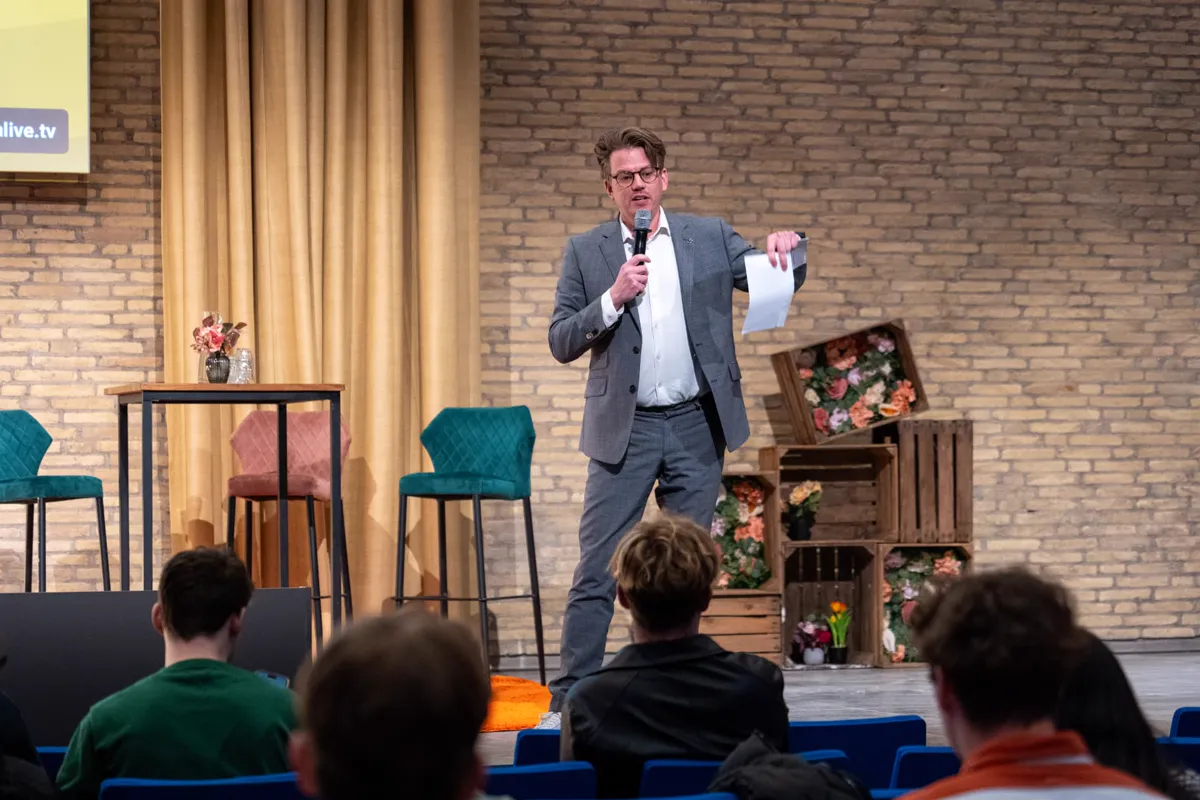
I once heard someone say that PowerPoint is the walking frame of a bad teacher. Or of a bad speaker, I immediately thought. The software itself is not the problem. PowerPoint, Keynote, a flip chart or an interactive tool, it makes no difference. Things go wrong when you use a tool for something it was not designed for.
Who are your slides actually for?
I often ask speakers who their slides are for. The honest answer is usually: for me, otherwise I’ll forget what I want to say. That’s understandable, but a tool should help your audience. It should make something clear, show something or evoke a feeling. That’s difficult to do with a slide full of keywords that are really there for you.
You know what happens next. The audience reads the slide faster than you can read it aloud, then everyone waits for you to finish.
Need a script? Make cue cards
Put the framework of your story on a few cards: the key words and the things you really mustn’t forget. No fully written-out text. Rehearse your presentation out loud two or three times. Then you’ll know the words well enough to speak fluently, without turning into a robot who gets stuck after forgetting a single sentence.
Three things, each with its own purpose
- Your presentation is what happens in the room: you, your story and the audience.
- Your tool complements you and makes things extra clear.
- Your handout is a reminder for later: your key message, what people should do next and how to contact you.
Because they have different purposes, they also take different forms. Here’s a good test: if someone can fully understand your presentation just by flicking through your slides, it was a bad presentation or a bad tool.
The common mistake: starting in PowerPoint
Many people say, “I’m going to work on my presentation” and immediately open PowerPoint. Then the template determines the story. You think in slides with a title and five bullet points, instead of a structure with a beginning, tension and an ending. But people were giving presentations long before PowerPoint existed.
How to approach it
- Write your story down first, or tell it out loud, without a screen.
- Mark the moments when an image, a figure or an example would really help the audience.
- Make a slide only for those moments. The rest of the time, the screen can be black or uncluttered.
- Make your cue cards separately from your slides.
- Create the handout last, for people who want to read something again afterwards.
What this means for the organiser
Don’t ask speakers to submit their slides first. Ask about their story. And make sure there’s a screen or monitor on stage where the speaker can see what the audience sees, so they don’t end up standing with their back to the audience. A presenter or event host who speaks between sections usually doesn’t need slides at all. In the article about the differences between the roles, you can read about how those roles work.
For the speaker who isn’t known yet
An unknown speaker is often first assessed through a video or a short pitch. Anyone who is visibly reading from a screen in one of those is immediately ruled out. Show instead that you can tell your story without slides. A client who sees that knows you can carry on even if the projector breaks down.
Do you really need that walking frame?
Start with your story, not your slides. You may find that you can walk perfectly well without a walking frame.
Frequently asked questions
- How many slides do I need for a presentation?
- As few as possible. Make a slide only for moments when an image, figure or example would really help your audience.
- Can I use cue cards during a presentation?
- Yes, as cue cards with keywords. Don’t put fully written-out text on your cards or slides.
- What is the difference between slides and a handout?
- Slides support your story in the room. A handout is for later: your key message, what people should do next and how to contact you.
An earlier version of this article was published onjerremaas.nl. Oorspronkelijk verschenen op Presensatie.nl (2016). Herschreven in 2026.
Read more
1 October 2026
· Jerre MaasPresentingEye contact with your audience: how to tell if your story is landing
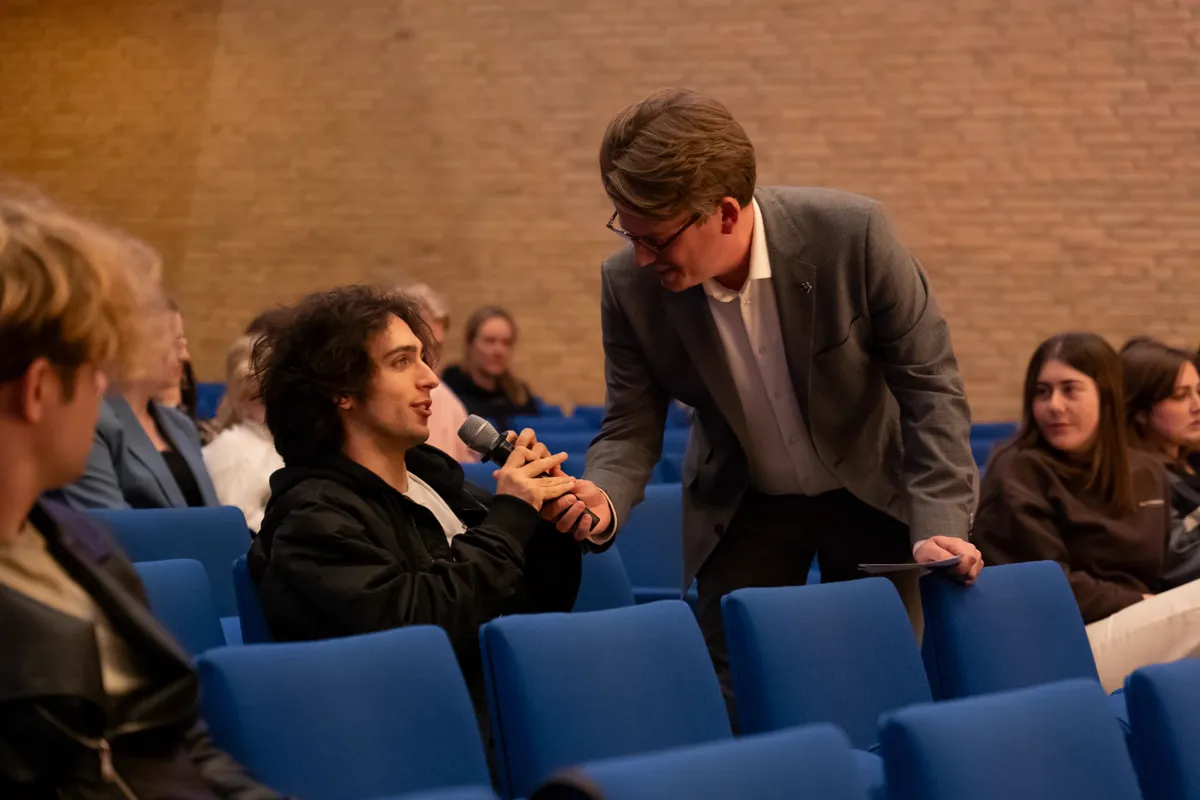
Eye contact when presenting is not a trick for dealing with nerves. It is how you tell whether your message is getting through. Here is how to do it with a small group and in a large auditorium.
3 min read
27 September 2026
· Jerre MaasPresentingMehrabian’s 7-38-55 rule: what it really says
Mehrabian’s 7-38-55 rule doesn’t say that words hardly matter. Here’s what the research did show, and what you can take from it as a speaker.
3 min read
9 October 2026
· Jerre MaasPresentingHolding your audience’s attention during a presentation
Holding an audience’s attention during a presentation takes variety, not tricks. Here’s how I switch between doing, watching, talking and quiet reflection.
4 min read
Speakers who talk about this

Aaliyah Muggen
Aaliyah Muggen deelt hoe het is om op te groeien met een vader met complexe PTSS en wat dat betekent voor het gezin.
Presents in Dutch
Drenthe · Speak · Resilience, Health and vitality
From € 150 per half-day, excluding VAT

Alison Sof
Integratief therapeut, coach en spreker
Presents in Dutch
South Holland · Speak, Host, Engage · Personal growth, Health and vitality
From € 500 per half-day, excluding VAT
Moniek Wolters
Opener en Dichter
Presents in Dutch
Across the Netherlands · Speak, Engage · Personal growth, Leadership
Fee on request